If you're looking for something current, try illuminate, designed for Tribblix and illumos.
13 Nov 2015: version 1.2. Download | solview on GitHub
The solview application is a simple java utility to display information about a Solaris 10 (or later) system. Specifically, it shows:
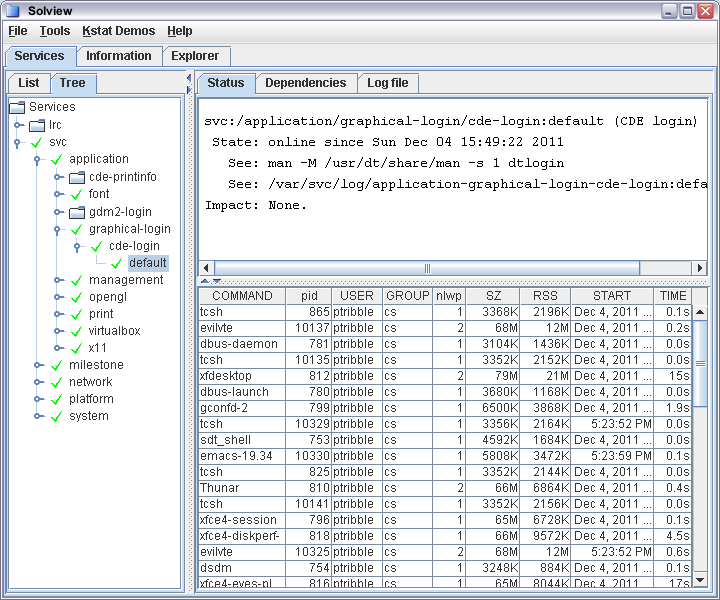
Above is an image of solview's services display, with the processes in the selected service being updated in a top-like display courtesy of JProc.
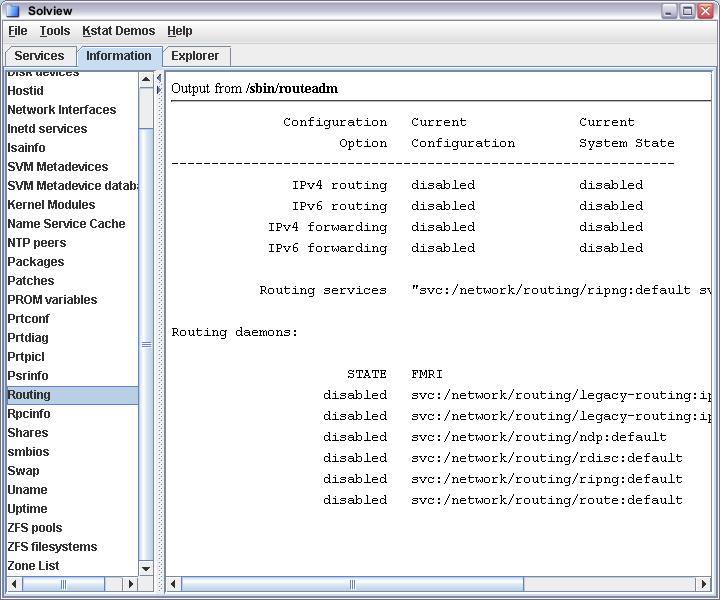
And above is the basic information panel - it shows you the relevant output, and the command used to obtain it.
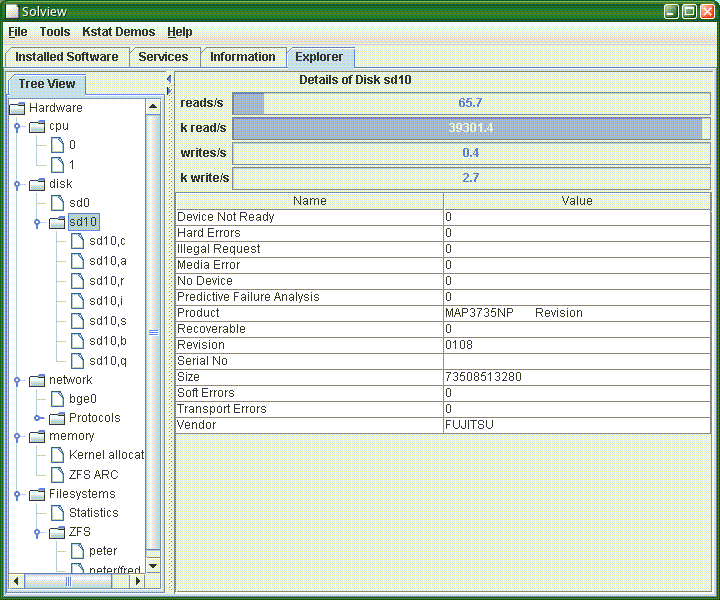
The above image shows solview in the System Explorer tab. The aim is to show you what's in your system and give you easy access to whatever information we can glean about what you have.
To try it out, download this file, gunzip and untar it, cd to the solview-x.x directory, and run:
./solview
Any comments or suggestions are welcome.